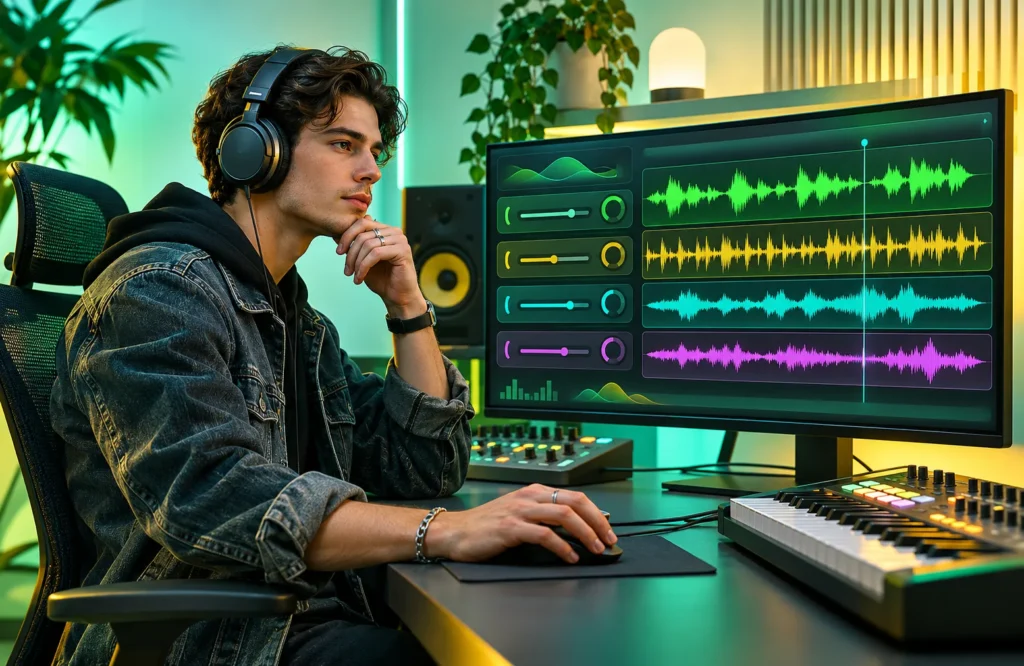
Separating vocals, drums, and instruments from a finished song no longer requires complicated audio editing software. Splitter AI makes music stem separation more accessible through artificial intelligence. Musicians, DJs, and content creators can extract individual sounds for practice, remixing, or production. However, audio quality, processing speed, and separation accuracy vary depending on the recording. This review examines its features, benefits, limitations, and alternatives.
What Is Splitter AI?
Splitter AI is an AI-powered audio separation platform that extracts individual musical elements from mixed recordings. These elements, called stems, may include vocals, drums, bass, piano, and other instruments.
The technology is associated with machine-learning approaches such as Deezer’s Spleeter project. Instead of manually adjusting audio frequencies, users upload recordings and allow the software to estimate their individual sound components.
It is particularly useful when original studio tracks are unavailable. However, extracted stems are AI-generated estimates rather than perfect copies of the original recordings.
How Does Splitter AI Work?
Splitter AI analyzes audio patterns to distinguish vocals, rhythms, bass frequencies, and instrumental sounds. Its separation models process the uploaded recording and generate individual tracks.
For example, a song containing vocals, drums, and bass can be divided into separate audio files. These files can then be imported into music production software for editing.
Separation accuracy depends on the recording’s quality and complexity. Clear studio recordings generally provide better results than noisy performances containing overlapping instruments.
Key Features of Splitter AI
Splitter AI offers several tools for extracting and processing audio. Its main features focus on vocal isolation, instrument separation, and downloadable stems.
Vocal and Instrument Separation
The vocal remover separates singing from instrumental music, making it useful for karaoke preparation and vocal practice.
Instrument extraction allows musicians to examine drums, bass, and other musical components independently. However, overlapping frequencies can occasionally cause sounds to appear in the wrong track.
Two-Stem and Five-Stem Models
Splitter AI documents two principal separation models:
- 2 Stem Pro: Separates vocals and instrumental accompaniment, with an emphasis on cleaner vocal extraction.
- 5 Stem Standard: Provides more detailed separation for users who need individual musical components.
The platform also promotes specialized audio processing tools, including reverb removal and noise reduction. Availability depends on the selected product or model.
How to Use Splitter AI
The basic workflow is straightforward and requires little technical experience.
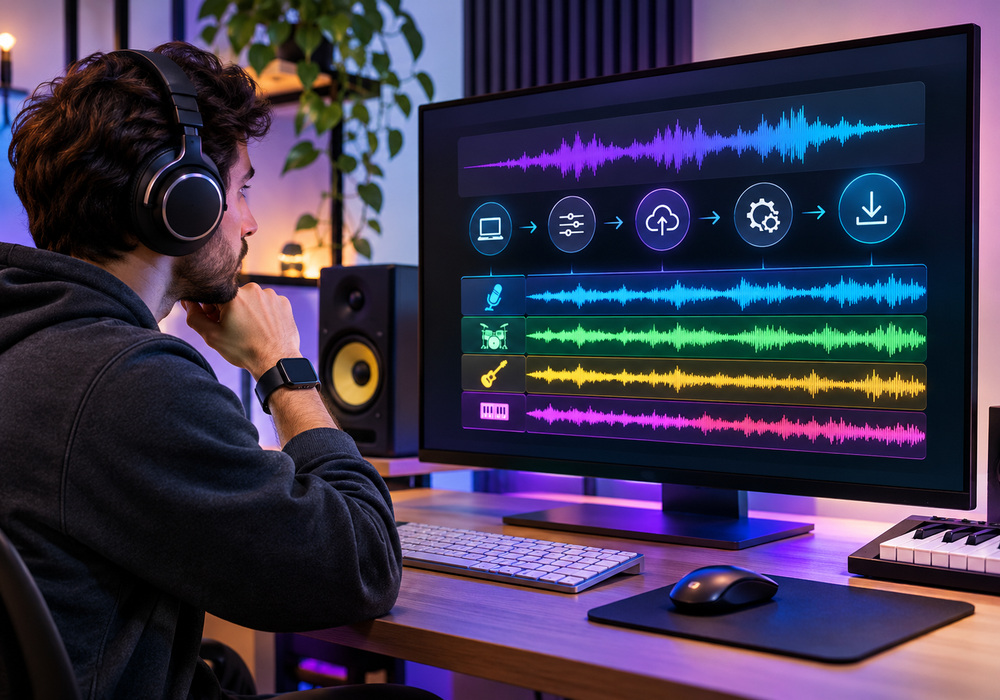
- Open Splitter AI: Visit the official website at splitter.ai.
- Select a model: Choose the separation option appropriate for the recording.
- Upload audio: Select a supported music file from your device.
- Start processing: Allow the software to analyze and separate the recording.
- Download stems: Save the generated tracks for playback or editing.
Some uploads enter a shared processing queue, meaning completion times can vary. The platform also states that uploaded files expire after one hour, so completed stems should be downloaded promptly.
Splitter AI Audio Quality
Audio quality is one of the most important considerations when evaluating stem separation software. Splitter AI can produce useful results, but the clarity of individual tracks depends heavily on the original recording.
Vocals from clean studio productions may separate reasonably well. However, recordings containing layered harmonies, heavy effects, or overlapping instruments can produce noticeable imperfections.
Drum and bass extraction presents similar challenges. Cymbals may sound unnatural, while isolated bass tracks can retain faint percussion sounds.
For cleaner results, consider these factors:
- Source quality: Use high-quality recordings whenever possible.
- Instrument overlap: Complex arrangements are harder to separate.
- Audio effects: Heavy distortion and reverb can reduce accuracy.
- Model selection: Choose the separation model that matches your purpose.
A genuine high-quality WAV recording may provide better input than a heavily compressed MP3. However, converting a low-quality MP3 into WAV cannot restore missing audio information.
Benefits of Using Splitter AI
Splitter AI simplifies tasks that previously required considerable audio editing knowledge. Its main advantage is providing relatively quick access to individual musical components.
Singers can create instrumental practice tracks, while DJs can experiment with vocal arrangements. Music students may isolate bass or drum patterns to understand how different instruments interact.
Producers can also use extracted stems as reference material when studying arrangements or developing remix ideas. These applications make the platform useful beyond basic vocal removal.
Splitter AI Limitations
Despite its convenience, Splitter AI cannot guarantee studio-quality separation. Instruments sharing similar frequencies may remain partially mixed, creating unwanted sound leakage.
Extracted recordings can also contain metallic artifacts, missing details, or reduced clarity. Processing queues may introduce delays, particularly during periods of high demand.
| Advantages | Limitations |
|---|---|
| Simple upload process | Results vary by recording |
| Vocal and instrument isolation | Possible sound leakage |
| Useful for music practice | Occasional audio artifacts |
| Multiple separation models | Processing delays |
| Downloadable audio stems | Limited file availability |
Professional projects may require additional audio cleanup before the extracted tracks are ready for production.
Splitter AI Pricing
Splitter AI provides free processing options alongside specialized paid capabilities. Its documentation also mentions model-specific CPU purchases that can help bypass certain processing queues when used with Splitter Studio.
However, a complete, consistently verified public pricing structure is not available. Users should check the official website for current charges, processing allowances, and feature availability.
Occasional users may find the free options sufficient, while frequent producers should compare paid features before purchasing.
Splitter AI Alternatives
Several competing platforms offer similar audio separation capabilities.
LALAL.AI provides dedicated stem extraction tools and paid processing options. It may appeal to users seeking specialized separation features.
Moises combines audio separation with music practice tools, making it particularly useful for singers and instrumentalists learning songs.
BandLab Splitter integrates stem extraction with broader music creation features. It suits users who prefer an editing environment connected to other production tools.
The best alternative depends on audio quality, pricing, available instruments, and workflow preferences.
Is Splitter AI Safe?
Splitter AI states that uploaded files expire after one hour and are automatically deleted. Nevertheless, users handling confidential recordings should review its current privacy policy before uploading sensitive material.
Copyright also matters. Separating a commercial song does not automatically provide permission to redistribute, remix, or monetize its audio.
Using original recordings or properly licensed music is the safest approach for public projects.
Common Problems and Fixes
Upload failures may result from unsupported formats or file size restrictions. Checking the platform’s requirements and exporting a compatible file can help.
Slow processing is often associated with shared queues. Check the upload status before submitting the same recording again.
Poor separation usually requires a cleaner source recording or a different available model. If downloads disappear, remember that the platform applies a limited file retention period.
Is Splitter AI Worth Using?
Splitter AI is a practical choice for vocal removal, instrumental practice, and basic music separation. Its accessible workflow helps users explore individual audio components without extensive editing experience.
However, demanding production projects may require cleaner separation and additional editing. Testing the free features with a familiar recording is the best way to determine whether Splitter AI meets your audio quality expectations.
FAQs
Is Splitter AI free to use?
Yes, Splitter AI offers free audio separation options. However, certain advanced features and processing capabilities may require payment. Users should check the official website for current pricing and limitations.
Can Splitter AI separate vocals and instruments?
Yes, Splitter AI can separate vocals, drums, bass, and other musical elements using AI-powered stem separation models. The quality of extracted tracks depends on the original recording and selected model.
Does Splitter AI reduce audio quality?
Splitter AI may introduce minor distortion, sound leakage, or audio artifacts during separation. High-quality recordings generally produce cleaner results, although perfect isolation is not guaranteed.
What are the best alternatives to Splitter AI?
Popular Splitter AI alternatives include LALAL.AI, Moises, and BandLab Splitter. These platforms provide vocal removal and instrumental separation, with different features, pricing options, and music editing capabilities.
Is Splitter AI safe for copyrighted music?
Splitter AI can process music files, but separating copyrighted songs does not grant permission to reuse or distribute them commercially. Users should obtain appropriate licenses or permissions before publishing extracted audio.