Creating realistic face swaps once required editing skills and complicated software. Tools like Vidqu AI made the process easier by allowing users to replace faces in photos and videos with minimal effort. Its AI-powered features attracted people interested in creative editing, social media content, and entertainment.
But how effective is the Vidqu AI? While its face-swap functions provided some benefits, there are still many concerns regarding the quality of results, prices, privacy issues, and availability today. Let’s have a more detailed look at what this service can provide.
What Is Vidqu AI?
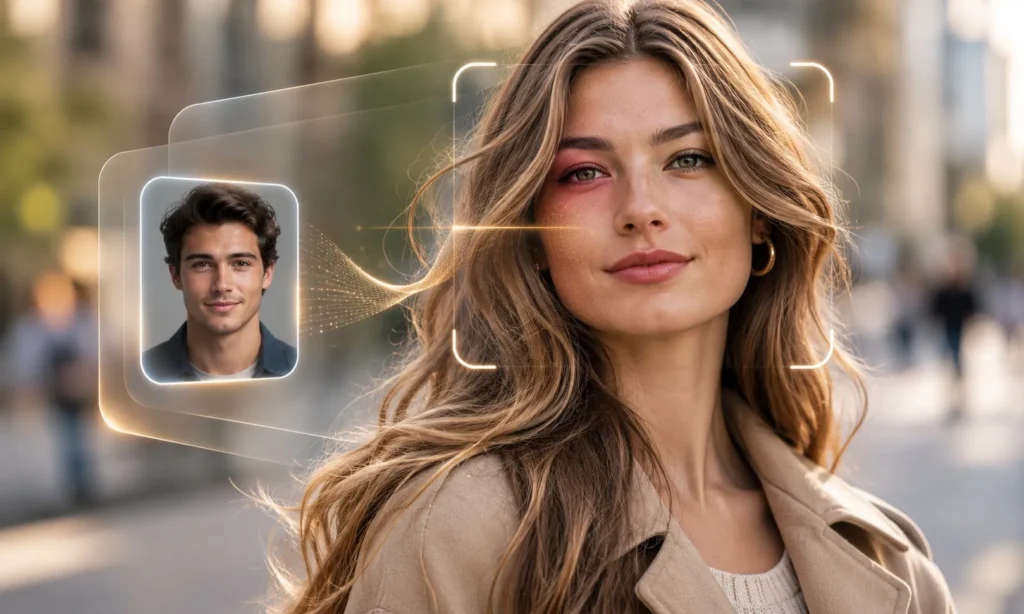
Vidqu AI is an artificial intelligence platform known for its photo and video face-swapping capabilities. It was designed to recognize facial features, replace faces, and blend the results into existing images or videos.
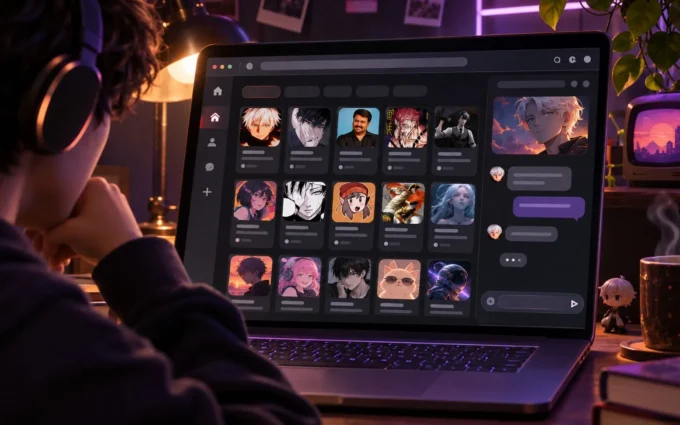
The platform also offered AI image generation, image-to-video tools, and character-based conversations. Unlike professional editing software, Vidqu focused on automated content creation, making it accessible to people without technical editing experience.
How Does Vidqu AI Work?
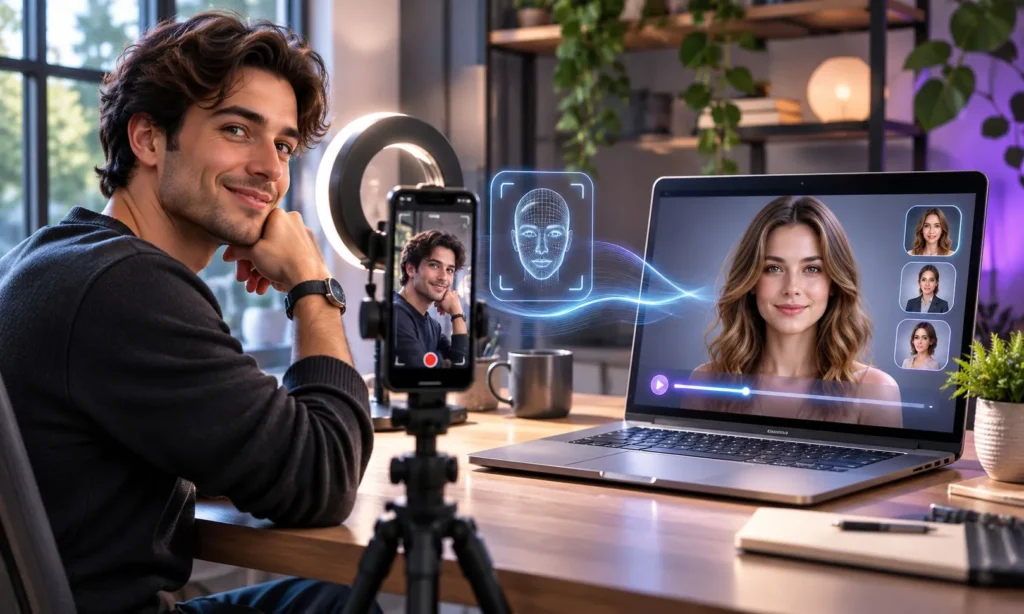
Vidqu AI uses facial recognition and image-processing technology to identify important features, including the eyes, nose, mouth, and jawline. It then adjusts the replacement face to match the original subject’s position, expression, and lighting.
For photographs, the software processes a single image. Video face swapping is more complicated because the replacement must remain consistent across moving frames.
Results depend heavily on the source material. Clear portraits with good lighting generally work better than blurry images, extreme facial angles, or videos containing rapid movements.
Key Features of Vidqu AI
Vidqu offered several creative features designed for casual editing and AI-generated entertainment.
Photo and Video Face Swap
The platform allowed users to replace faces in existing photographs and videos while preserving much of the original background and composition. This was useful for humorous edits, fictional scenes, and personalized social media content.
AI Image Generation
Vidqu also supported AI-generated visuals, allowing users to experiment with digital artwork and creative images without starting from an existing photograph.
Image-to-Video Creation
Its image-to-video functionality could transform still pictures into short animated clips. However, facial expressions and movements could sometimes appear unnatural.
AI Character Chat
Vidqu also offered character-based AI conversations focused on entertainment rather than research or professional productivity.
These features were associated with earlier versions of the platform, and their current availability remains uncertain.
How to Use Vidqu AI for Face Swapping
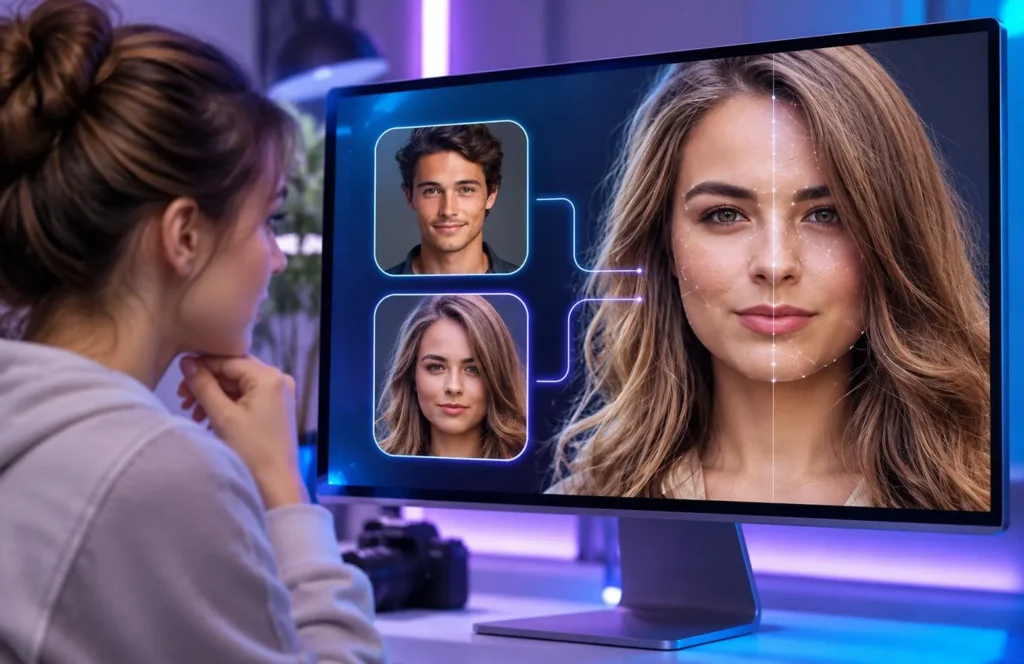
Vidqu’s original face-swapping process followed a simple upload-and-generate workflow.
- Open the face swap tool: Access the official platform and select photo or video face swapping.
- Upload your media: Choose the original image or video containing the face you want to replace.
- Select a replacement face: Upload a clear portrait with suitable lighting and positioning.
- Generate the result: Start processing after checking any applicable credit requirements.
- Review the output: Look for unnatural facial edges, lighting differences, or distorted expressions.
These steps describe the platform’s earlier workflow, not a currently verified interface.
For better results, start with front-facing photographs and avoid heavily filtered images. Short videos with limited movement are generally easier for AI tools to process accurately.
How Realistic Are Vidqu AI Face Swaps?
Face-swapping quality depends on lighting, facial angles, image resolution, and movement. Vidqu could produce convincing results with suitable photographs, but more complicated scenes were less predictable.
A face replacement might look natural in a portrait yet become distorted when the subject turns sideways or changes expressions. Video processing creates additional challenges because facial alignment must remain consistent throughout the clip.
For casual social media edits, minor imperfections may be acceptable. Professional projects requiring precise facial movements and consistent quality generally need more advanced editing controls.
Vidqu AI Pricing and Free Features
Vidqu previously offered limited free access alongside credit-based generation features. More demanding tasks, particularly video processing, could require paid credits.
However, current pricing cannot be reliably confirmed because the original website was not accessible during checks in November 2026.
| Feature | Previously Offered |
|---|---|
| Photo face swap | Limited free and credit-based usage |
| Video face swap | Credit-based processing |
| Multiple face swap | Supported in earlier versions |
| AI image generation | Credit-based options |
| Image-to-video | Paid generation options |
| AI character chat | Previously available |
Before paying for any similar service, check credit costs, download quality, watermarks, and refund policies. Avoid purchasing Vidqu credits unless its official payment system and service availability can be verified.
Advantages and Limitations
Vidqu’s main attraction was convenience. Users could experiment with AI-generated visuals without learning complicated editing techniques.
Its strengths included:
- Simple photo and video face-swapping workflows.
- Multiple AI entertainment features.
- Accessible editing for casual creators.
- Support for creative social media experiments.
However, automated editing also introduced limitations. Difficult facial angles could produce unnatural results, while moving subjects sometimes caused inconsistent video frames.
Credit-based generation could also become expensive when projects required several attempts. Most importantly, the platform’s uncertain availability now makes it difficult to recommend for dependable editing work.
Is Vidqu AI Safe?
Privacy matters when uploading personal photographs to face-swapping services. These platforms process facial information, making their data storage and deletion policies especially important.
Vidqu previously published privacy documentation, but its current data-handling practices could not be independently confirmed.
Before you use any type of face-swapping application, get consent from the subjects, do not upload private pictures, and check out the privacy policy of the service.
AI-generated content should also be labeled appropriately when viewers could mistake it for genuine footage. Creating misleading impersonations can cause reputational harm and legal problems.
Best Vidqu AI Alternatives
Several alternatives offer similar creative tools and may be more practical for users seeking an accessible service.
| Alternative | Main Strength |
|---|---|
| Remaker AI | Photo, video, and GIF face swapping |
| Vidnoz AI | Face swapping and AI video creation |
| Magic Hour | Browser-based face swapping and AI media tools |
Remaker AI is suitable for experimenting with different editing formats, while Vidnoz AI focuses more broadly on AI video creation. Magic Hour offers browser-based tools for photo and video projects.
Compare their current free limits, output quality, and privacy terms before choosing one.
Is Vidqu AI Worth Trying?
Vidqu AI offered a convenient way to create face swaps without complicated editing software. Its combination of photo editing, video generation, and entertainment features made it appealing to casual creators.
However, its original website’s uncertain availability, unverified current pricing, and limitations in complex face-swapping scenes make it difficult to recommend today.
For occasional creative projects, an accessible alternative with transparent pricing and a free trial is the more practical choice. Prioritize consistent output quality, privacy protections, and reliable access over the number of advertised AI features.
Frequently Asked Questions
Is Vidqu AI free to use?
Vidqu AI previously offered limited free access to its face-swapping tools. However, advanced features such as video face swapping could require paid credits. Its current pricing and free access options remain uncertain.
Can Vidqu AI swap faces in videos?
Yes, Vidqu AI previously supported face swapping in both photos and videos. The technology replaced facial features while attempting to maintain natural expressions and movements. Results depended on video quality, lighting, and facial angles.
Is Vidqu AI safe for personal photos?
Vidqu AI previously provided privacy policies, but its current data-handling practices are unclear. Avoid uploading sensitive photographs, obtain permission before using someone else’s face, and review the platform’s privacy terms before sharing personal images.
Why do Vidqu AI face swaps sometimes look unnatural?
Unnatural results usually occur because of poor lighting, blurry images, unusual facial angles, or rapid movements. Using clear, high-resolution portraits with similar facial positions can help improve face-swapping accuracy.
What is the best alternative to Vidqu AI?
Remaker AI, Vidnoz AI, and Magic Hour are useful alternatives. Remaker AI supports different face-swapping formats, while Vidnoz AI and Magic Hour offer additional AI video creation features. The best choice depends on your editing needs and budget.